

Family office implementation means deploying an integrated software platform to bring family trees, holdings, currencies, and benefits into one connected system. The fastest, most practical route is a staged pilot rather than a full-scale rollout on day one. Platforms built for this purpose, including Familigi™, BoxAlong™, Currencida™, and SEBAA™, each cover a specific piece of the puzzle, so mapping your needs to the right components early keeps the project focused and shortens time to value.
TL;DR:
- Implementing a family office software platform typically takes 4 to 8 weeks for a pilot, with full deployment often spanning several months depending on feed complexity.
- The number of custodial and bank feeds is the primary cost driver, as each additional feed requires mapping, testing, and reconciliation efforts.
- Prioritizing high-value, clean data accounts for the pilot accelerates setup, reduces rework, and keeps costs predictable.
- Data migration should use a hybrid approach of batch loads and live feeds, with early testing on pilot data to identify errors before full rollout.
- Securing strong access controls, performing pre-launch governance checks, and running a 4-8 week data audit are essential to ensure system trust and compliance.
Table of Contents
- What a software implementation actually covers
- Planning checklist: objectives, inventory, and pilot scope
- Migrating data and building consolidated reporting
- Access control, automation, and staged onboarding
- Timeline and what drives the budget
- Security, governance, and pre-launch verification
- How an integrated platform maps to these steps
- A 90-day playbook you can adapt
- Where GCA-FopFo fits into this process
- Sources
- FAQ
What a software implementation actually covers
A software implementation is a technical project, not the founding of a family office as an organization. It covers the data model that structures your holdings, currencies, and benefits, the integrations that connect banks and custodians, the dashboards your family and advisors will use daily, access controls for each user, and the onboarding process that gets everyone comfortable with the system.
It does not cover hiring staff, forming legal entities, or writing investment policy from scratch. Those decisions may inform how you configure the platform, but they sit outside the implementation itself.
Involve a family sponsor who owns the outcome, an advisor or administrator who understands the current data, and a technical contact if custodial or banking feeds require coordination. Smaller households can often run this with two people; larger multi-generational offices may need a short project team.
Planning checklist: objectives, inventory, and pilot scope
Before any data moves, get the plan on paper. A clear checklist keeps vendor conversations short and procurement decisions fast.
- Set objectives and success metrics, such as consolidated net asset value, report cadence, and the access level each family member needs.
- Complete a data inventory across accounts, holdings, and benefits, then classify each source by priority and how clean the data already is.
- Assign a sponsor, a project lead, and data owners for each category, and decide whether you are piloting a subset of accounts or moving everything at once.
- Draft an integration map listing which custodian, bank, and payroll feeds are mandatory for launch versus optional for later phases.
- Estimate budget buckets, covering licensing, data cleanup, integration work, and training, with a contingency for feeds that turn out messier than expected.
Prioritizing the cleanest, highest-value accounts for the pilot, rather than every account at once, tends to shorten setup time and reduce early rework. A pilot-first approach mirrors practices in other software deployments, where pilot-first, short-cycle planning keeps scope contained before a wider rollout.
Migrating data and building consolidated reporting
Once objectives are set, the technical build starts with a canonical data model: one consistent structure for holdings, positions, currency balances, and benefits so every downstream report reads from the same source.
- Choose a migration approach. ETL batch loads work for static historical records, live feeds suit accounts that change daily, and most implementations end up using a hybrid of the two.
- Test with pilot data first. Run a small batch through the new system before committing full account histories, so mapping errors surface early.
- Prioritize integrations by impact. Custodial feeds and bank connections typically matter most, followed by accounting software, payroll or benefits systems, and single sign-on for family users.
- Design dashboards for multi-currency consolidation. A family holding assets in several currencies needs one view that reconciles them automatically rather than manual spreadsheet conversion. A multi-entity reporting checklist is a useful reference when structuring these views.
Family offices broadly are shifting away from spreadsheets toward this kind of cloud-based consolidation, a trend documented in Deloitte's family office research, which also found that cloud-based applications are the most widely used technology in the sector at 87%.
Access control, automation, and staged onboarding
Technical deployment only works if the people using the system trust and understand it. Role-based access and a staged rollout matter as much as the data pipeline itself.
- Define access levels before launch. Decide who can view balances, who can approve transactions, and who only receives reports, then build approval patterns around those roles.
- Automate the highest-value tasks first. Reconciliations, scheduled reporting, and currency alerts tend to deliver the quickest visible payoff.
- Stage the rollout in three waves. Start with a small pilot group, expand access to the wider advisor team, then move to family-facing training once the core workflows are stable.
- Lean on structured playbooks. A detailed workflow automation guide and a role-based access control guide both offer sequencing advice worth following rather than reinventing.
Family members who are not financial professionals need a gentler introduction than administrators. A short, guided walkthrough for them pays off far more than a technical manual.
Timeline and what drives the budget
A pilot typically runs several weeks, covering setup, data load, and initial testing on a limited set of accounts. Full deployment across every account and integration usually takes several months, depending on how many feeds are involved.
- Custodial and bank feed count is the single biggest driver. Each new feed adds mapping, testing, and reconciliation work.
- Bespoke integrations beyond standard connectors, such as a proprietary accounting system, add both time and cost.
- Data cleanup on older or fragmented records often takes longer than the integration work itself.
- Training time scales with how many family members and advisors need hands-on onboarding.
Limiting the initial scope to your highest-value accounts, rather than every holding you own, keeps the pilot budget predictable and gives you a clean reference point before expanding.
Security, governance, and pre-launch verification
Security and governance decisions need to be locked in before go-live, not patched in afterward. At minimum, confirm identity and access management, encryption at rest and in transit, segmented backups, and audit logs that record who touched what and when. Practical steps for tightening these controls are covered in a family office cybersecurity action plan, and identity verification specifically benefits from current guidance on reducing identity fraud exposure.
Data governance clauses should cover exportability, retention periods, sign-off from each data owner, and a reconciliation process for catching discrepancies. Before go-live, run a user acceptance test that checks data parity against old records, verifies reconciliations balance, validates every report, and confirms each role sees only what it should. A portfolio performance reporting checklist is a solid reference for the reporting piece of that test.
Pro Tip: Book a short, 4 to 8 week platform-backed or external data governance audit before go-live. It catches reconciliation gaps while they are still cheap to fix.

How an integrated platform maps to these steps
Each implementation task above lines up with a specific part of an integrated suite. Family tree data and genealogy records belong in Familigi™. Holdings and asset positions across accounts sit in BoxAlong™. Currency tracking across physical, virtual, and crypto accounts runs through Currencida™. Benefits, payroll, and savings management live in SEBAA™.

Because these four applications share one data model and one dashboard, integrations, access control, and onboarding all connect through a single system rather than four separate ones. That packaging is the practical advantage of platform-first implementation: fewer moving parts to reconcile, and one place for family members and administrators to check.
For deeper walkthroughs of each stage, a family office dashboard implementation guide and a family asset consolidation guide cover the dashboard and data consolidation steps in more detail, alongside a staged onboarding playbook for bringing family members up to speed.
A 90-day playbook you can adapt
Weeks 1 to 2: confirm sponsor, project lead, and pilot account scope. Weeks 3 to 6: load pilot data and connect the mandatory feeds. Weeks 7 to 10: run reconciliations, reporting validation, and role checks. Weeks 11 to 13: sign off on governance, expand access to the full family, and set the next quarter's KPIs, including report accuracy and time to close reconciliations.
— GCA
Where GCA-FopFo fits into this process
If the checklist above sounds like a lot to coordinate alone, that is exactly what GCA-FopFo brings together in one place. The suite pairs Familigi™, BoxAlong™, Currencida™, and SEBAA™ under one flat-fee license structure, so your family tree, holdings, currency positions, and benefits all live in a single system instead of four disconnected tools.
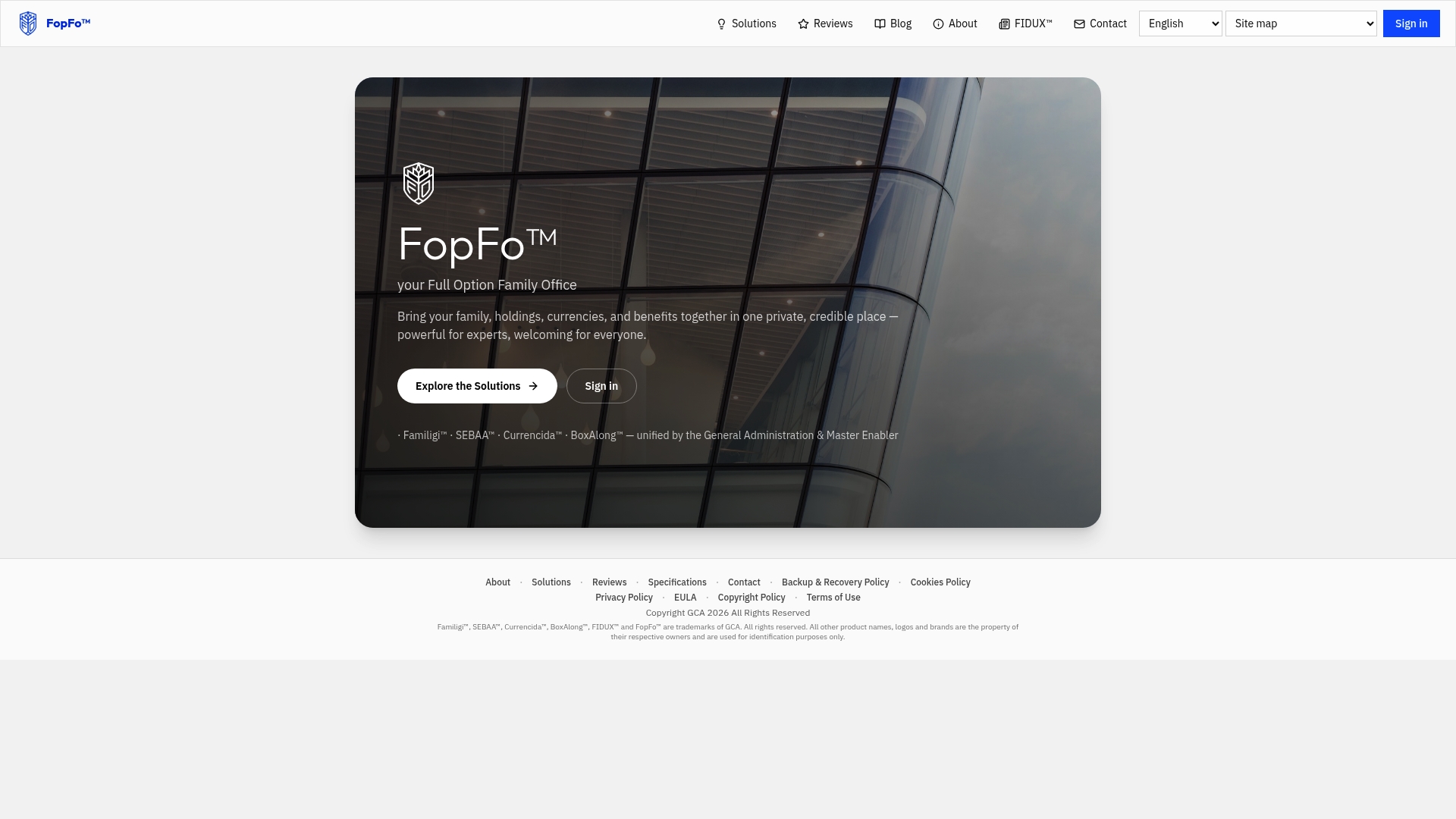
The platform is built for both professional administrators and family members with no financial background, with data ownership and support for multiple languages. That combination suits families who want one credible, private system rather than a patchwork of spreadsheets and point tools.
You can review information about the suite and its applications on the solutions page before you commit to a pilot.
Sources
Deloitte's family office insights research documents the sector's shift toward cloud platforms. For deeper implementation detail, the internal guides on workflow automation and data governance audits are useful next stops.
- The Family Offices Insights Series: Digital Transformation of Family Offices Operations, 2024 | Deloitte Global
FAQ
What does "family office implementation" mean in software terms?
It refers to deploying and configuring an integrated platform that manages family trees, holdings, currencies, and benefits in one connected system. This is distinct from setting up a family office as a legal or organizational entity.
How long does a family office software pilot take?
A pilot typically runs about 4 to 8 weeks, covering setup, initial data load, and early testing on a limited set of accounts. Full deployment across every account and integration generally takes several months depending on how many custodial and bank feeds are involved.
What usually drives up implementation costs the most?
The number of custodial and bank feeds is the biggest factor, since each one adds mapping and reconciliation work. Bespoke integrations and data cleanup on older records are the next largest cost drivers.
Does GCA-FopFo charge based on assets under management?
No. GCA-FopFo uses flat-fee licensing per application or as a discounted suite, plus a $90 per year per account fee covering support, updates, and the newsletter, rather than pricing tied to asset size.
What should a pre-launch verification checklist include?
It should confirm data parity against old records, check that reconciliations balance, validate every report against source data, and verify that each user role sees only the correct information. A short governance audit before go-live is a practical way to catch gaps early.